Ce contenu n’est pas encore disponible dans votre langue.
Settings › Providers is where you connect cloud AI services for Aria and your agents. Without a provider, the assistant can still use on-device models.
Add a provider
Section titled “Add a provider”Open Settings at the bottom of the sidebar and click Providers.
Étape 1 : Click Add provider
At the top of the Providers card, click Add provider.
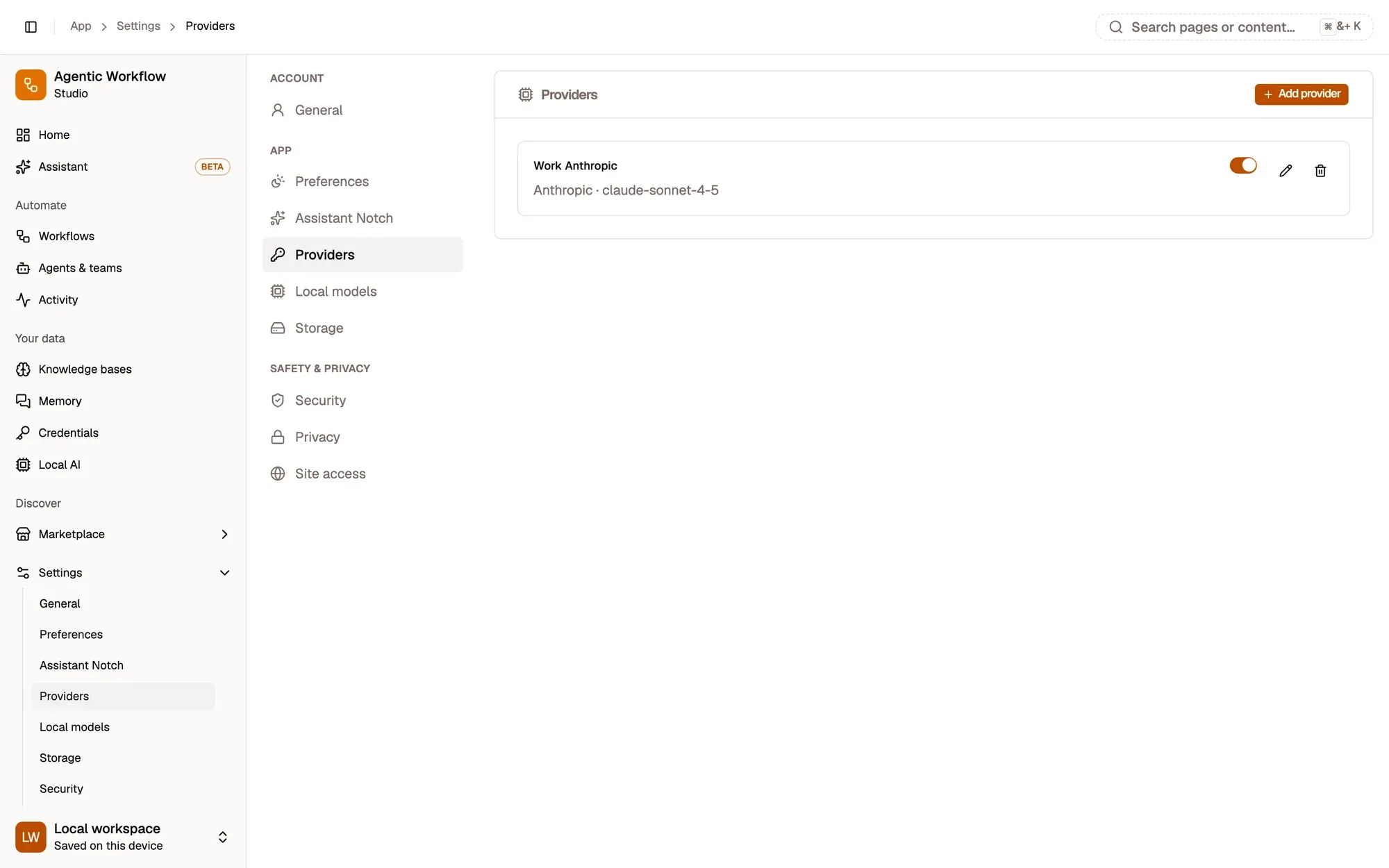
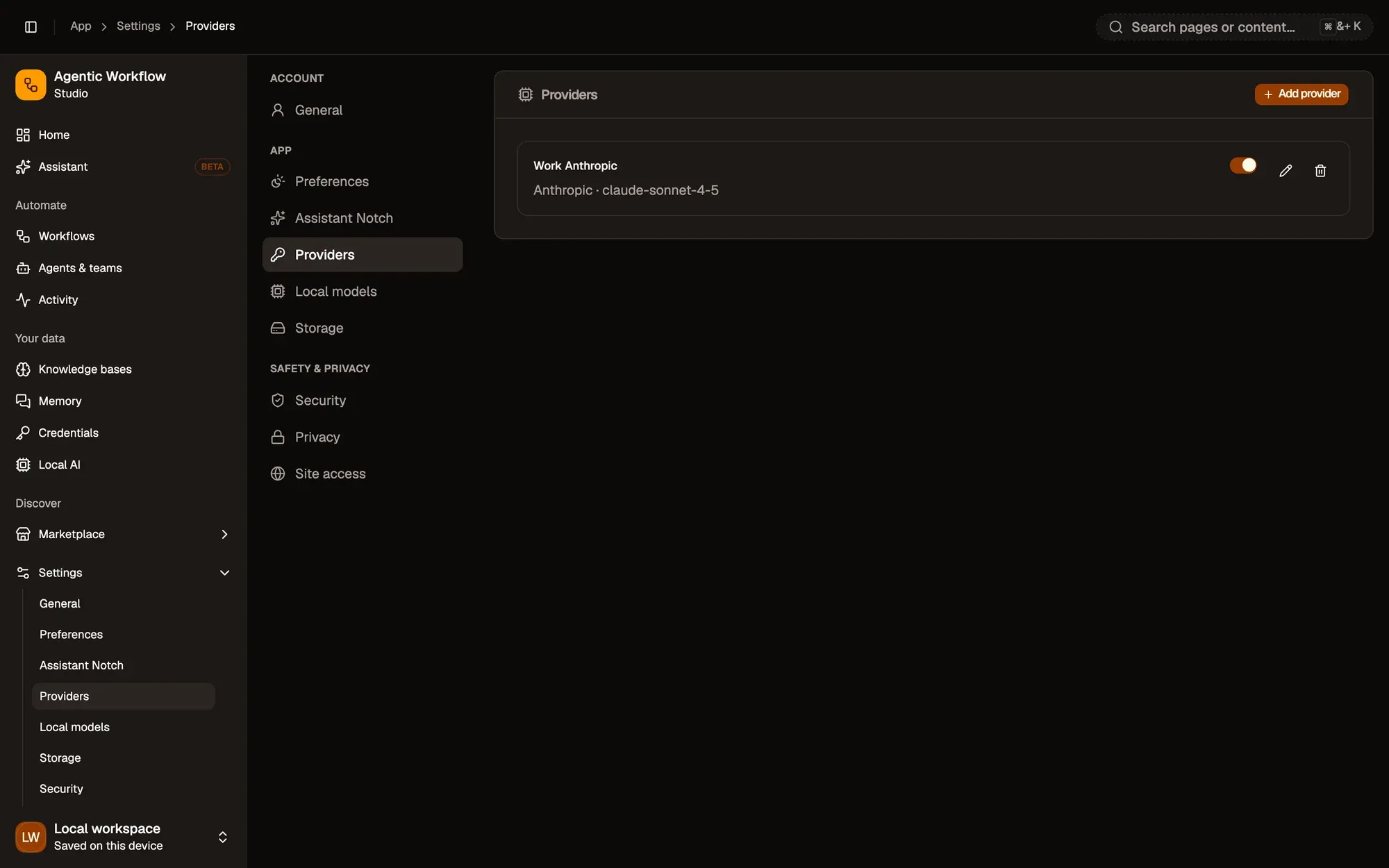
Vérification : the Add provider dialog opens.
Étape 2 : Fill in the provider
Pick the Provider: Anthropic, OpenAI, Google, Groq, OpenRouter, DeepSeek, xAI, Azure OpenAI, Ollama (local) or OpenAI-compatible. Give it a Label you’ll recognise, paste your API key, and type the Model name.
For Ollama or an OpenAI-compatible service, also fill in the Base URL. For Azure, fill in the instance and deployment names.
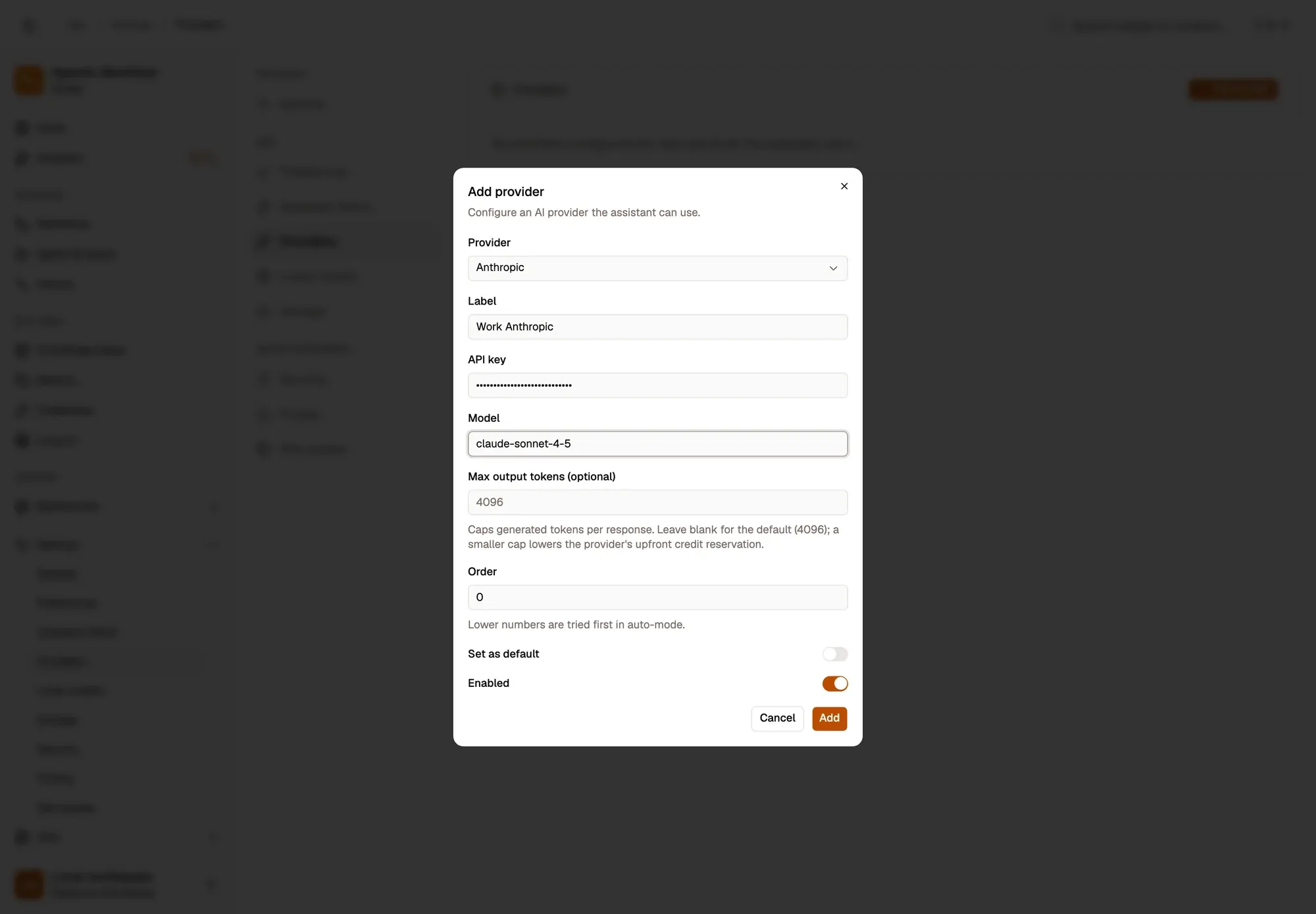
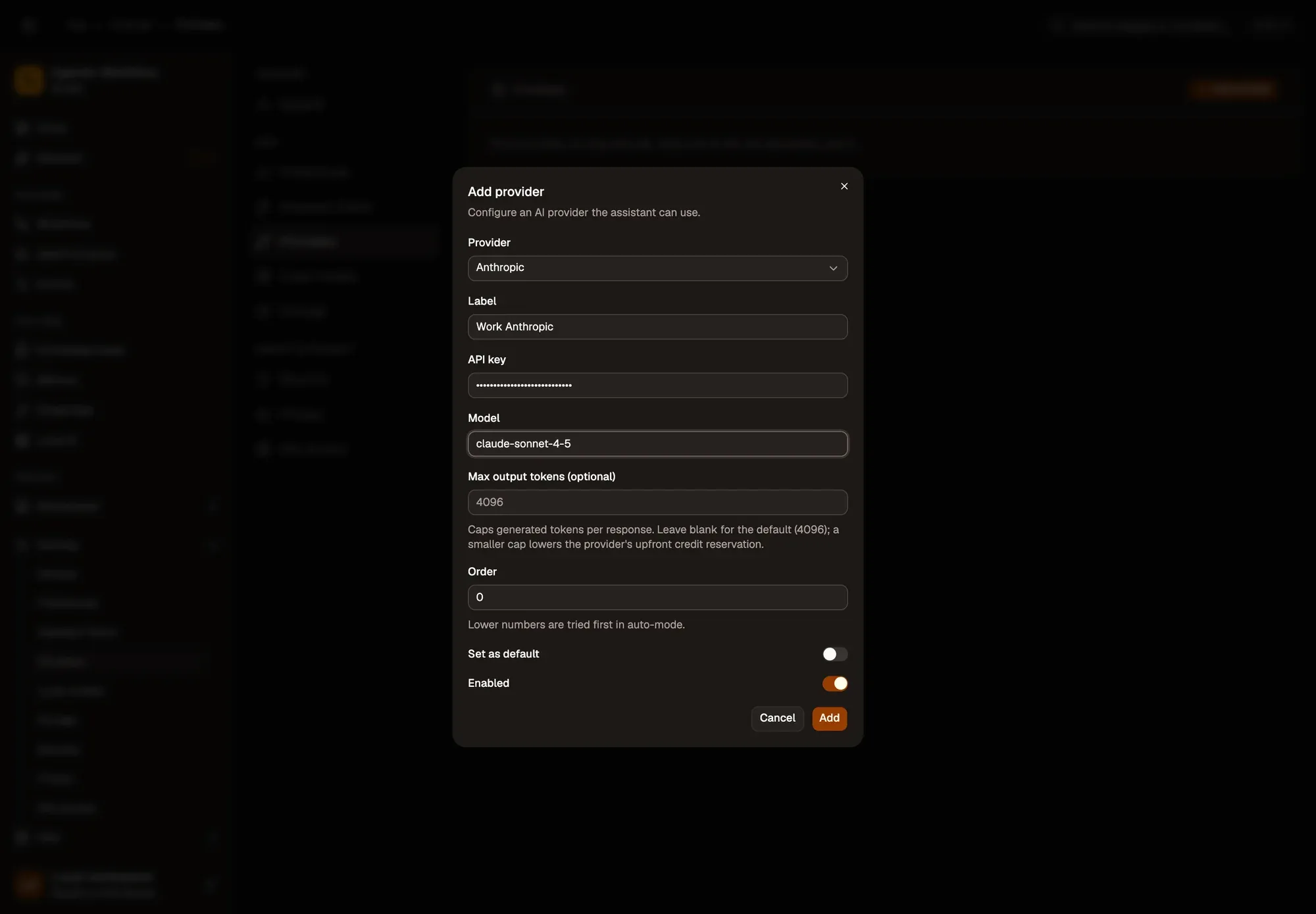
Étape 3 : Set the options and click Add
Optionally set Order (lower numbers are tried first), Set as default, and a Max output tokens cap (4096 when left blank). Then click Add. Nothing is sent to the provider until the assistant uses it.
Vérification : the provider is listed with its type and model, switched on.
Manage a provider
Section titled “Manage a provider”Each provider in the list has an on/off switch, Edit and Delete.
Zones numérotées de la capture d'écran : 1. Switch the provider on or off; 2. Edit; 3. Delete.