AI models that run entirely in your browser (chat, vision, text and audio), installed once and used by Aria, agents and workflows. Nothing leaves your device.
Ce contenu n’est pas encore disponible dans votre langue.
Free · no usage costRuns and stays on this deviceNew in 0.8.0
In the app: sidebar › Local AI (or Settings › Local models)
Local AI is where you find, install and manage the AI models that run entirely in your browser. Once a model is installed it works offline, costs nothing per use, and no image, text or audio leaves your device. You pick a model; AWFlow picks the engine:
WebLLM: chat and text-generation models (Llama, Qwen, Phi and more) on WebGPU.
TensorFlow.js: vision, text and embedding models (MobileNet, COCO-SSD, toxicity, the Universal Sentence Encoder), WebGPU with a WebGL/WASM fallback.
transformers.js: the widest range of tasks (image classification, object detection, segmentation, depth, captioning, sentiment and zero-shot classification, question answering, summarization, translation, embeddings and Whisper speech-to-text) through ONNX on WASM.
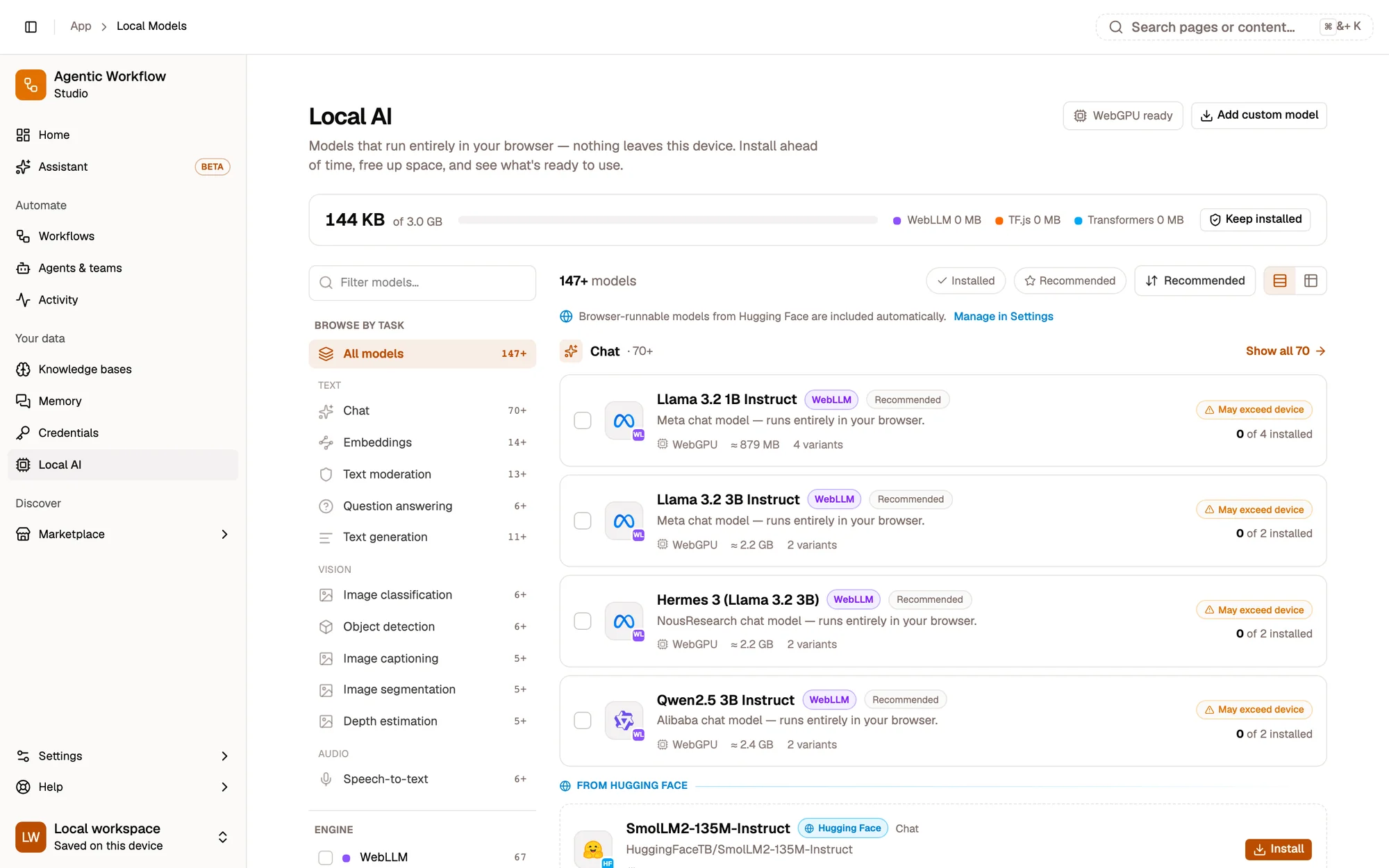
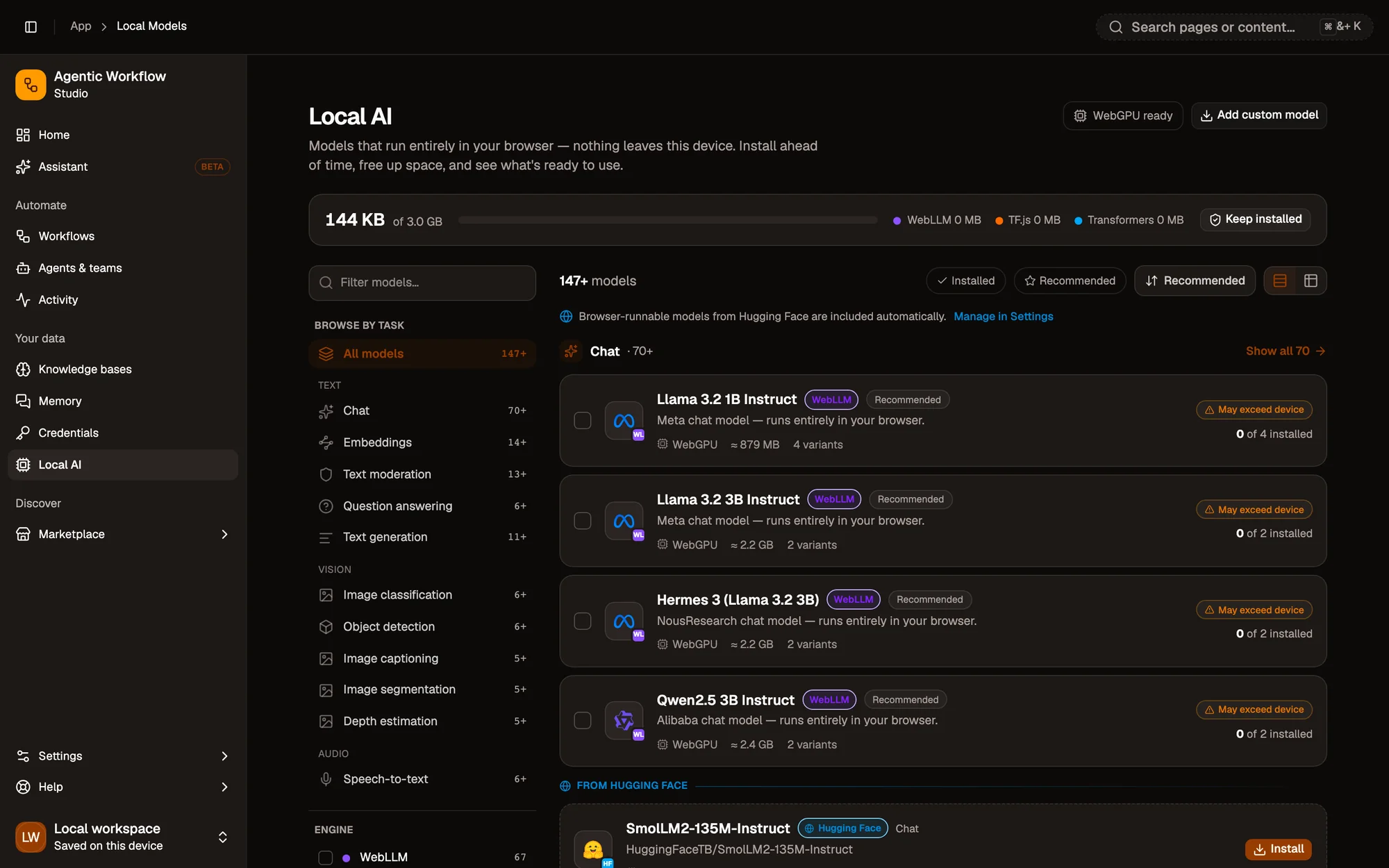
1234
1Storage header: space used, by engine
2Tasks
3Search and engine filter
4A model card: size, device fit and install state
Storage header. How much browser storage your models use, out of what’s available, and Keep models installed.
Tasks. Chat, Image classification, Object detection, Speech-to-text, Embeddings… each with Show all.
Search and engine filter. Narrow to WebLLM, TensorFlow.js or transformers.js.
A model card. Its size, its device fit and whether it’s installed, with Install, Test and the compare checkbox.
Pick an on-device model as Aria’s model, or Set default on a chat variant. In Ask mode, Aria can also classify an image, moderate text or transcribe audio with a local model and answer from the result. If no suitable model is installed, it tells you which kind to add.
An agent
Choose an on-device model on the builder’s Model tab, or turn on the On-device AI skill. See Agent skills.
Beyond the built-in list, Add custom model takes any MLC-compiled WebLLM model, a TensorFlow.jsmodel.json, or a transformers.js model id with an ONNX build. AWFlow detects its task, and you confirm that you trust the source before it downloads. Step by step.