Ce contenu n’est pas encore disponible dans votre langue.
≈ 2 min
Extension
Bearer Token
Demander à Aria⌘IBefore you start
Section titled “Before you start”- A Linear workspace. Create the key in the workspace the workflow should use.
- The AWFlow browser extension. These steps run in the extension (the web app hands them to it).
Used by
Section titled “Used by”Set it up
Section titled “Set it up”-
Create the key. In Linear, open Settings › Security & access › Personal API keys and click New API key. Copy it (it starts with
lin_api_). -
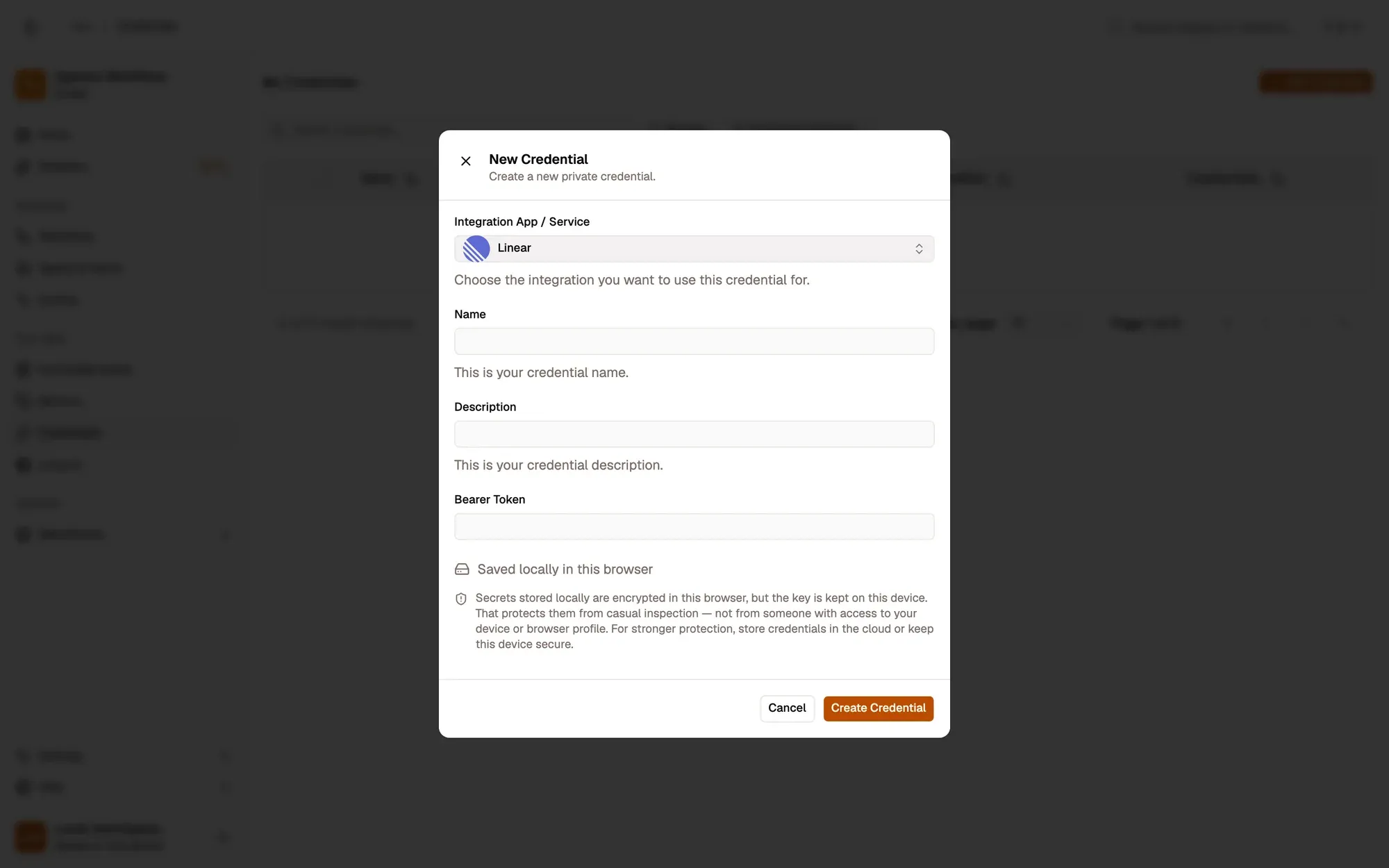
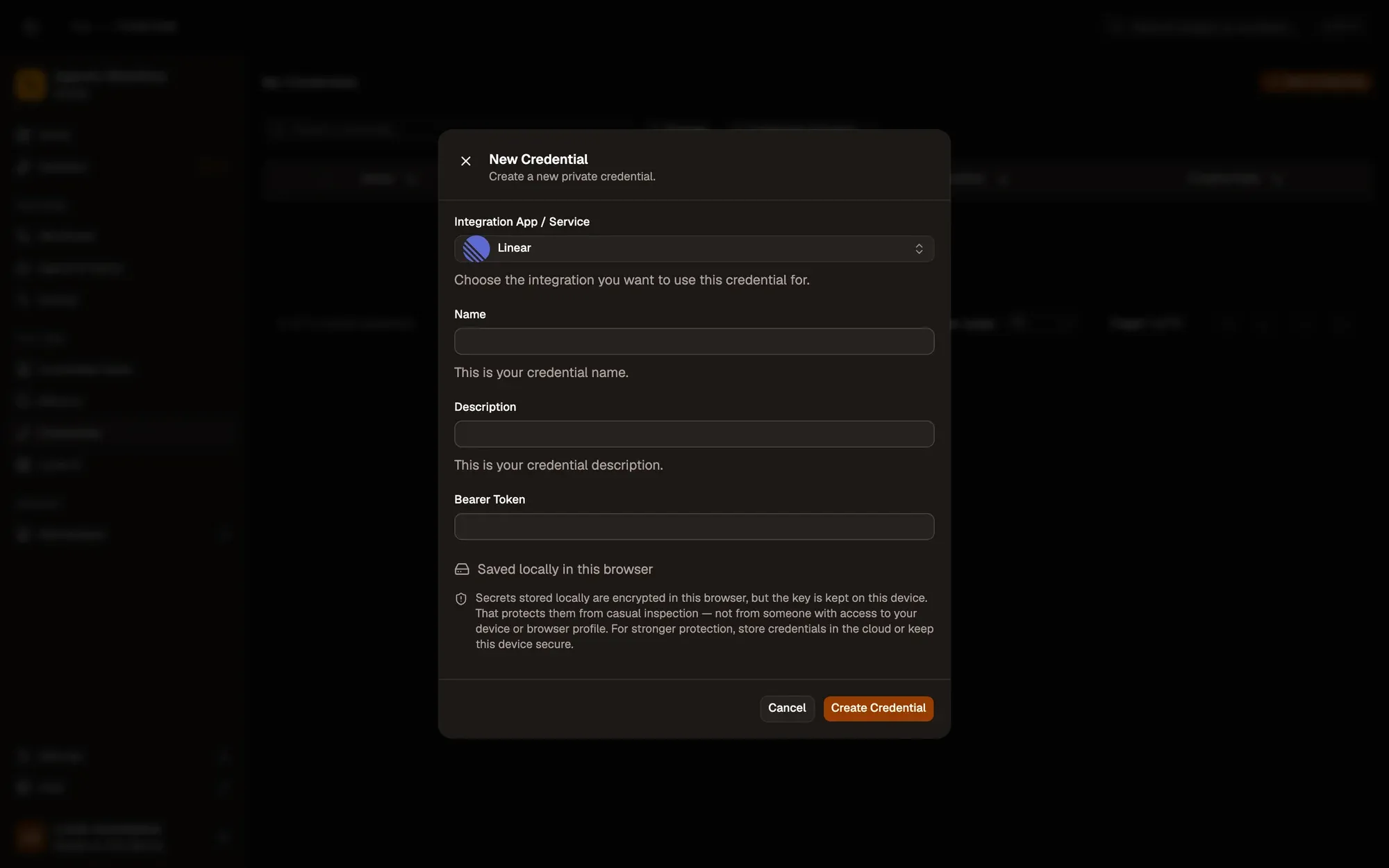
Save it in AWFlow. Open Credentials and click Add Credential (or + Add Credential in a node’s Credential field), then fill the New Credential form. In the browser side panel the form comes in two steps: tap Linear in the list, then fill the rest.
Zones numérotées de la capture d'écran : 1. Integration App / Service: Linear; 2. Name; 3. Bearer Token; 4. Where the secret is stored (here, locally in this browser); 5. Create Credential.
Where your token lives
Section titled “Where your token lives”Common issues
Section titled “Common issues”- “Authentication required”. The key is wrong or was revoked. Create a new one and update the credential.
- “Entity not found”. The Team ID, Issue ID or State ID doesn’t exist in this workspace. Run Team › List to check.
- The run is blocked in the web app. Linear runs through the browser extension. Install the extension and allow Linear for this workflow when asked, or run the workflow from the extension. See Extension-only integrations in the web app.