此内容尚不支持你的语言。
Export
Section titled “Export”Memory is exported as an .awmem file:
- Export all (top of the Memory page) saves every conversation and fact on this device.
- Export on a conversation, a selection or an owner’s facts saves just those.
- Tick Protect with a passphrase to encrypt the file. Use at least the minimum length shown. You need the passphrase to import it, and it can’t be recovered if you forget it.
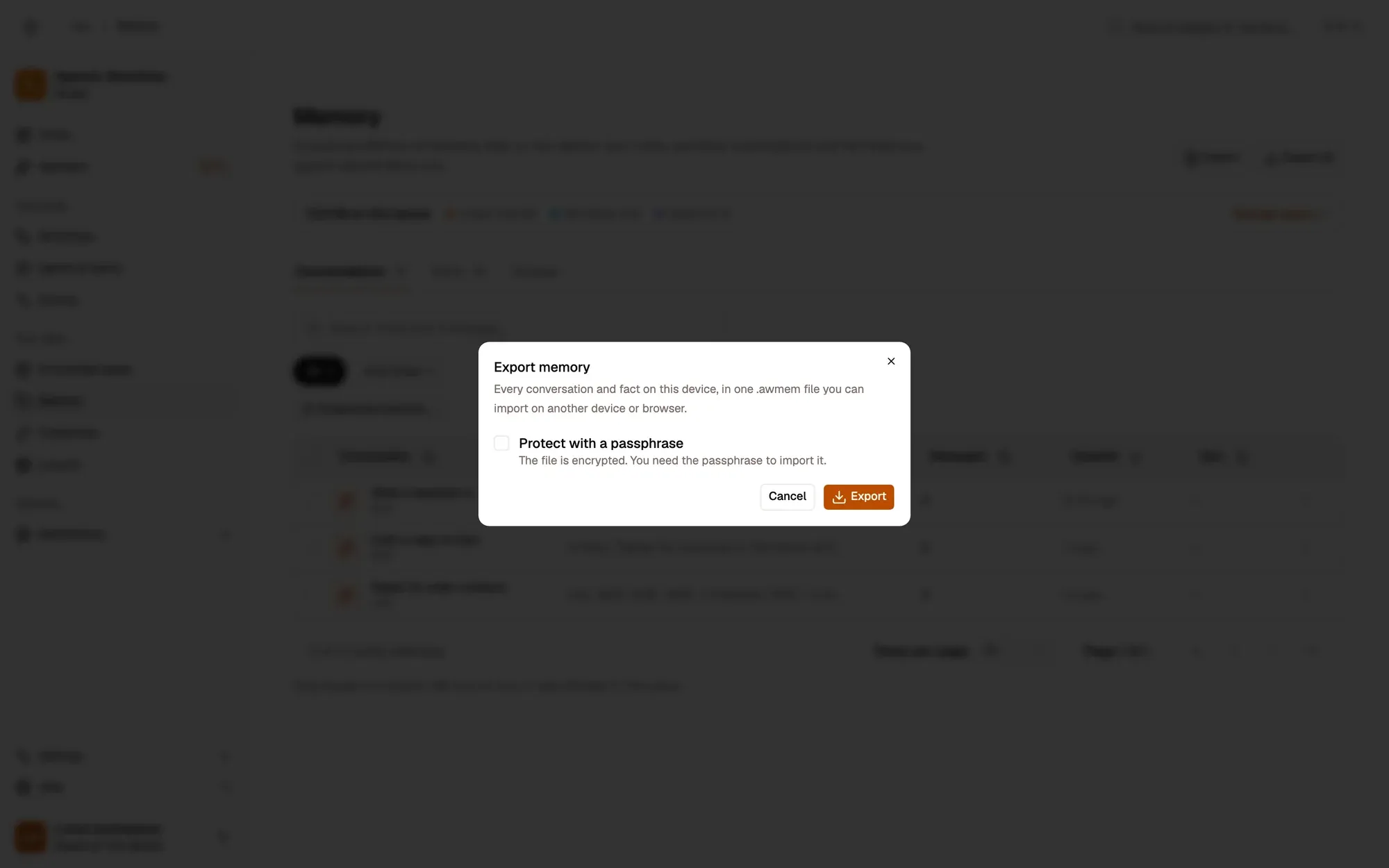
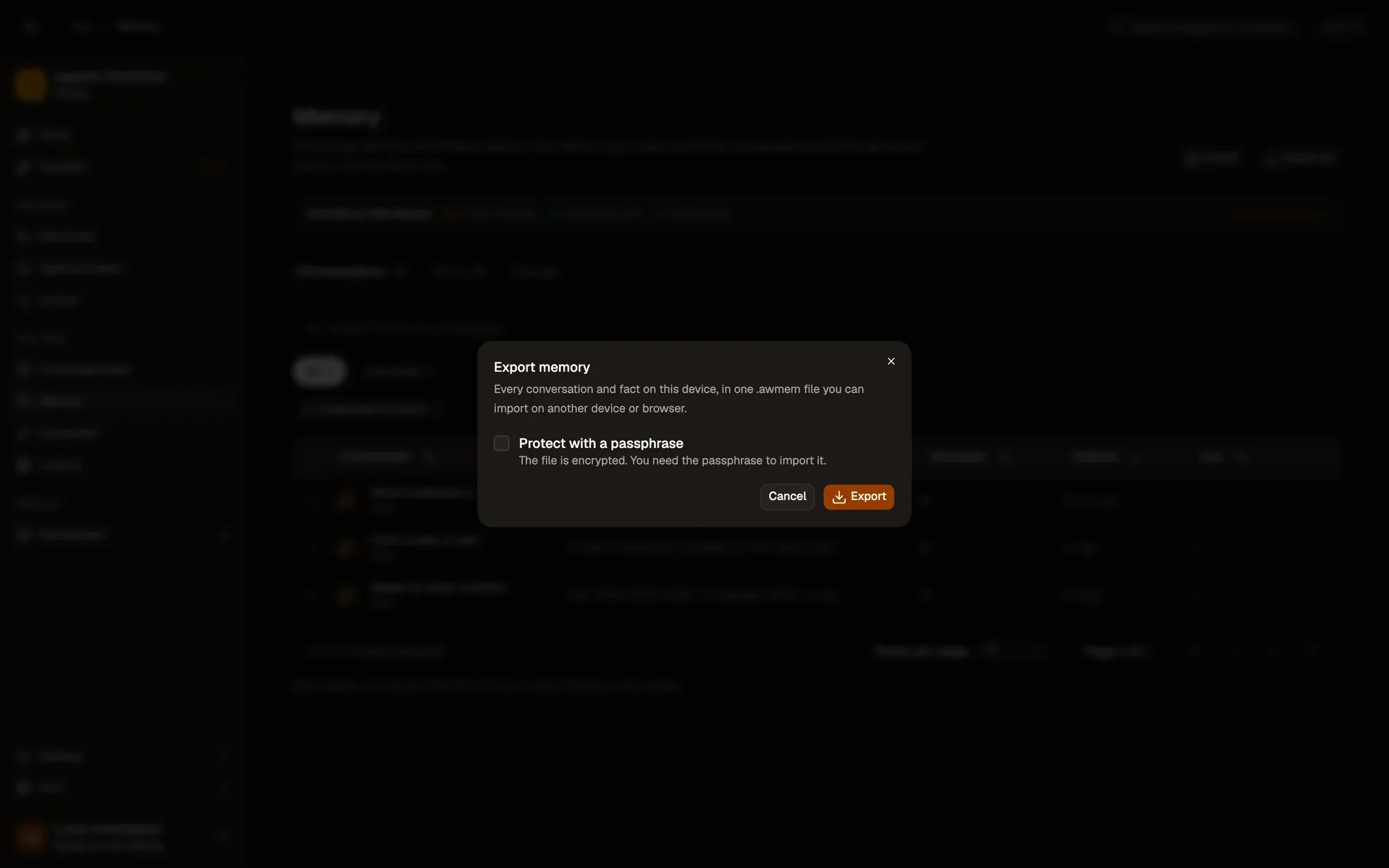
截图中的编号区域:1. Export all; 2. Protect with a passphrase; 3. Export。
Import
Section titled “Import”Import opens an .awmem file. If it’s protected, enter its passphrase. A preview shows how many conversations, messages and facts it holds and when it was exported; untick what you don’t want.
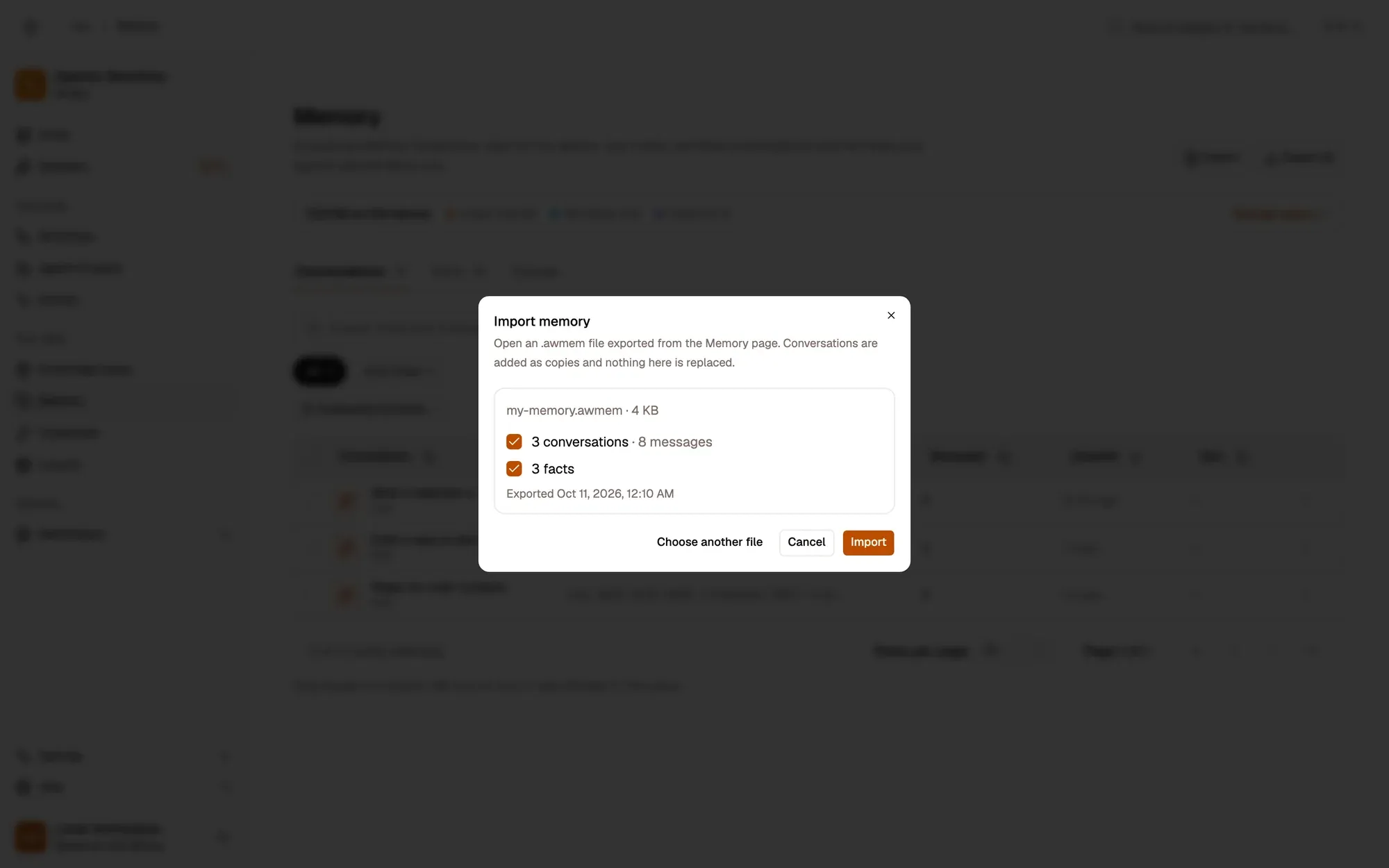
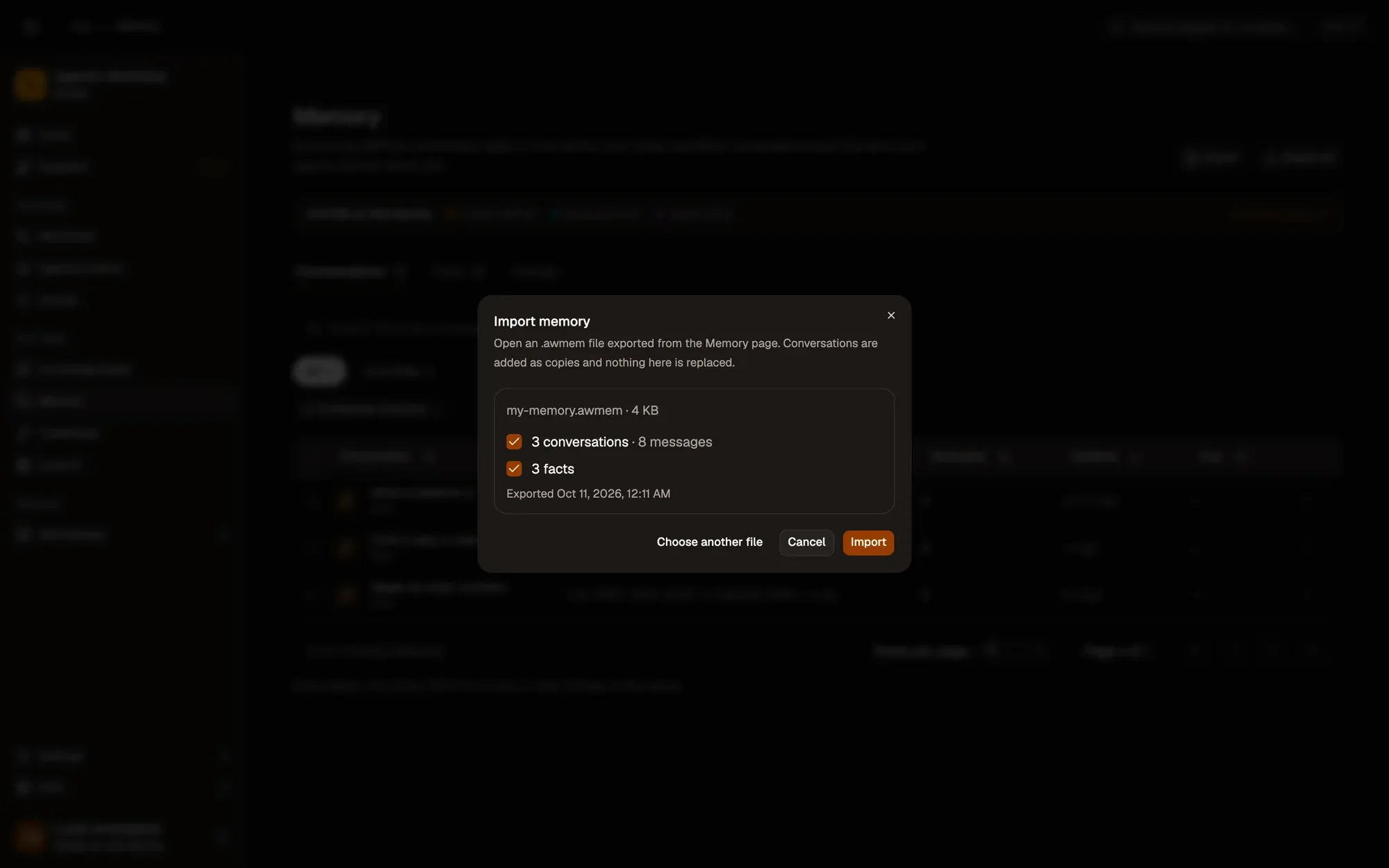
截图中的编号区域:1. Preview: what the file holds; 2. Import。
Import never overwrites anything: every conversation is added as a copy, and facts you already have are skipped. Use it to move memory to another browser or device, or to keep a copy before clearing.
When you delete an agent, a team or a workflow
Section titled “When you delete an agent, a team or a workflow”- Agent or team: the delete dialog asks Also delete its N memories (on by default) and shows one of them. Uncheck it to keep them: they appear under Facts › No owner. An agent’s chats stay in Memory › Conversations.
- Workflow: if it has its own chat memory, the dialog offers Delete its conversations (the default) or Keep it in Memory, with the number of messages and the size. Conversations under a shared key, and conversations another workflow also uses, are always kept, and the dialog says so.
- Workflow with canvas dock chats: its saved dock chats are part of its conversations and are offered for deletion with it.